Add Read more button
Add a Read more link so a testimonial card can open an external page, such as a case study.
Add a Read more button so a testimonial card can open an external page, such as a case study. Paste the URL in the Read more link field.
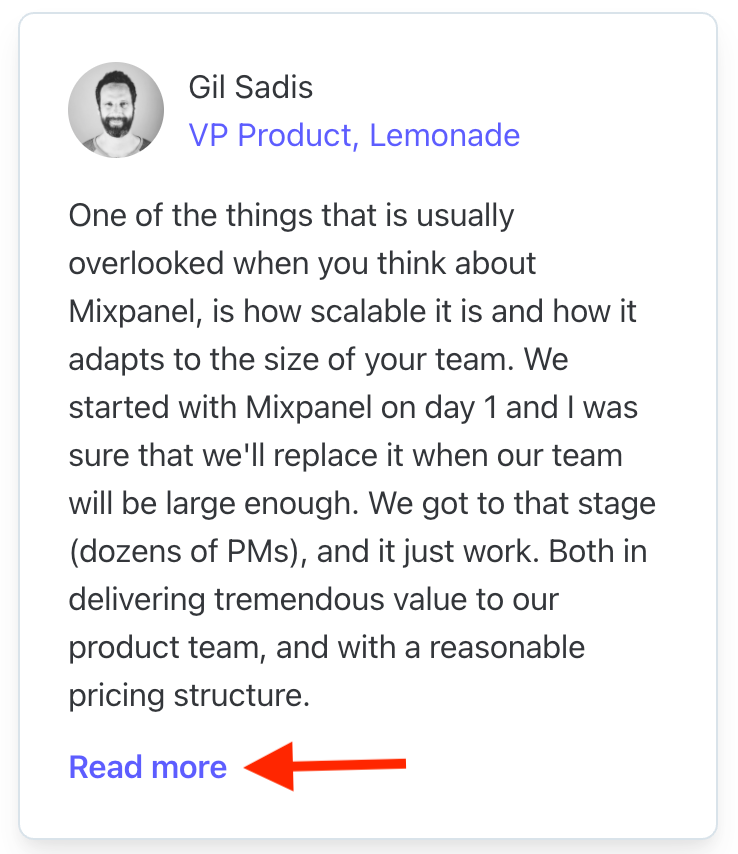
Add the link
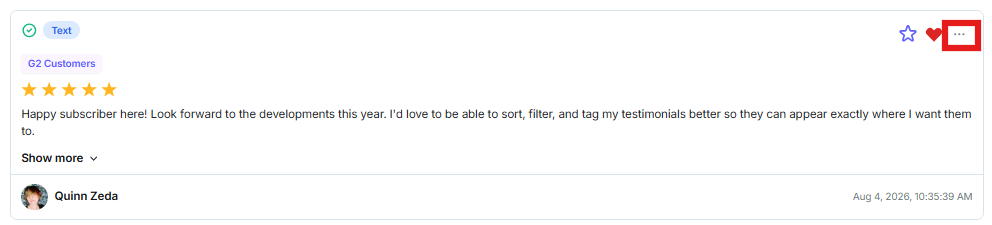
Click the text content or the three-dot icon on the testimonial.
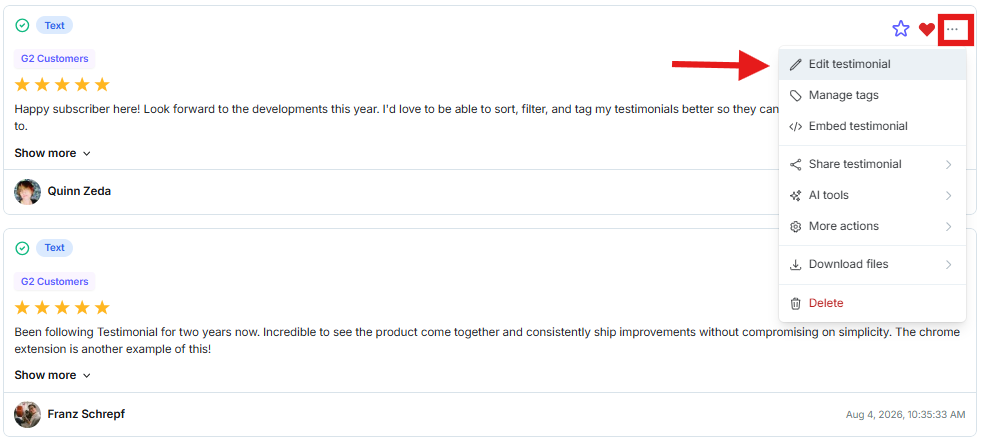
Click Edit.
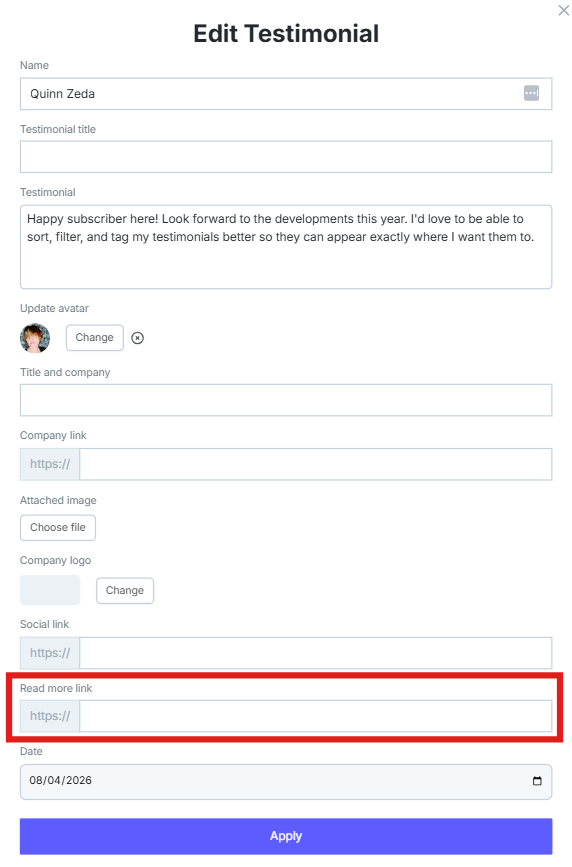
Paste the URL in Read more link, then click Update the testimonial.
Need help? Message us in the chat widget.