Changing the Text submission title
Change the title shown when someone writes a text testimonial.
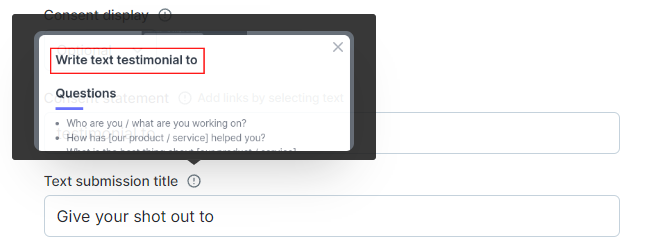
Change the title shown when someone writes a text testimonial. The default is Write text testimonial to.
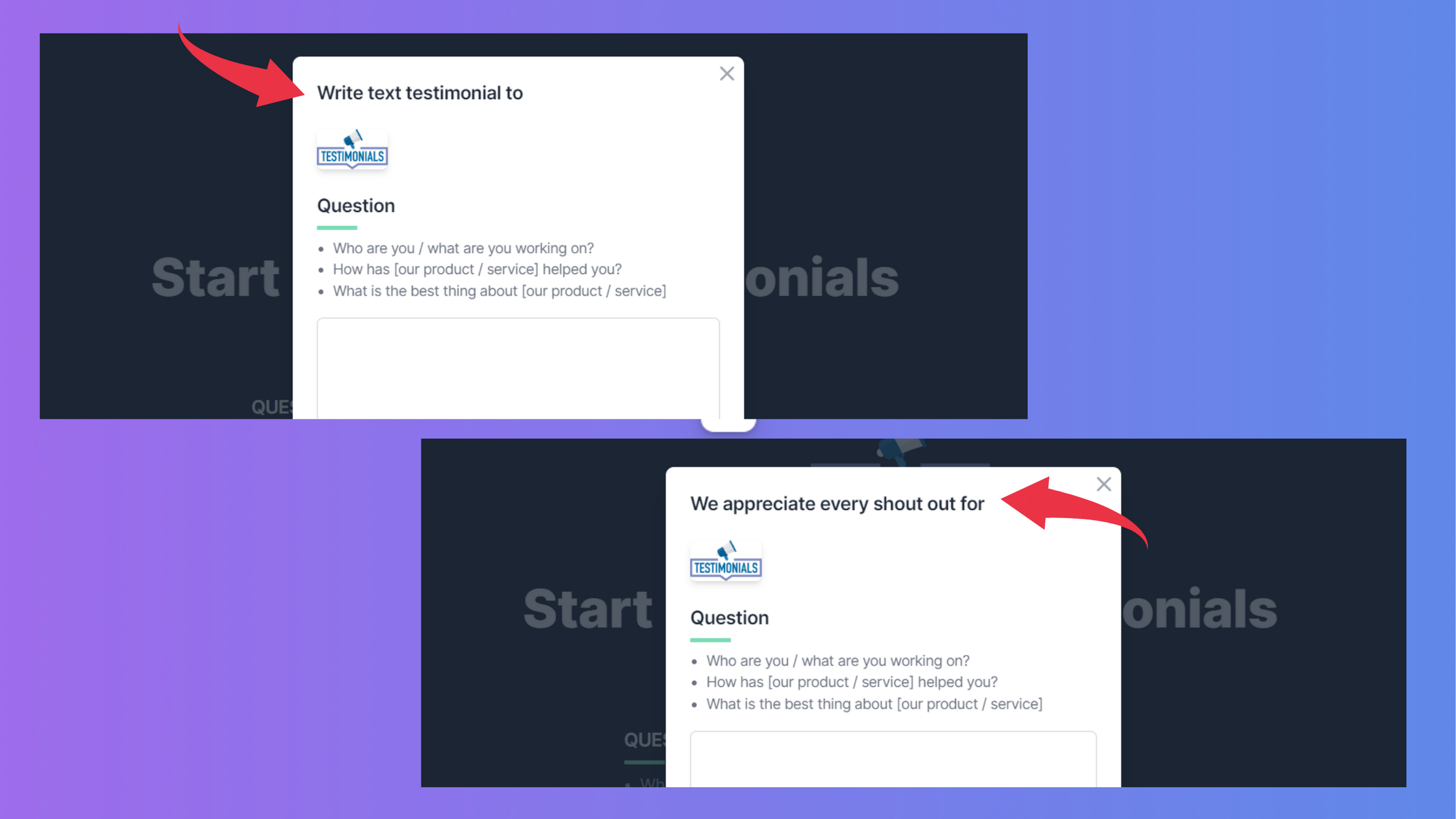
Change the title
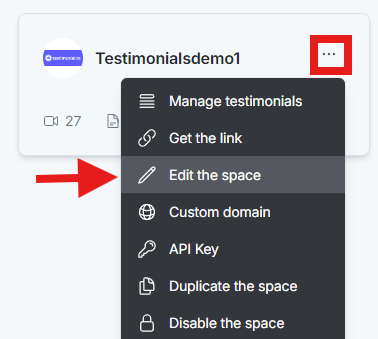
On the dashboard, click the 3-dot icon on the Space card and select Edit the space.
In the space editor, click Extra Settings.
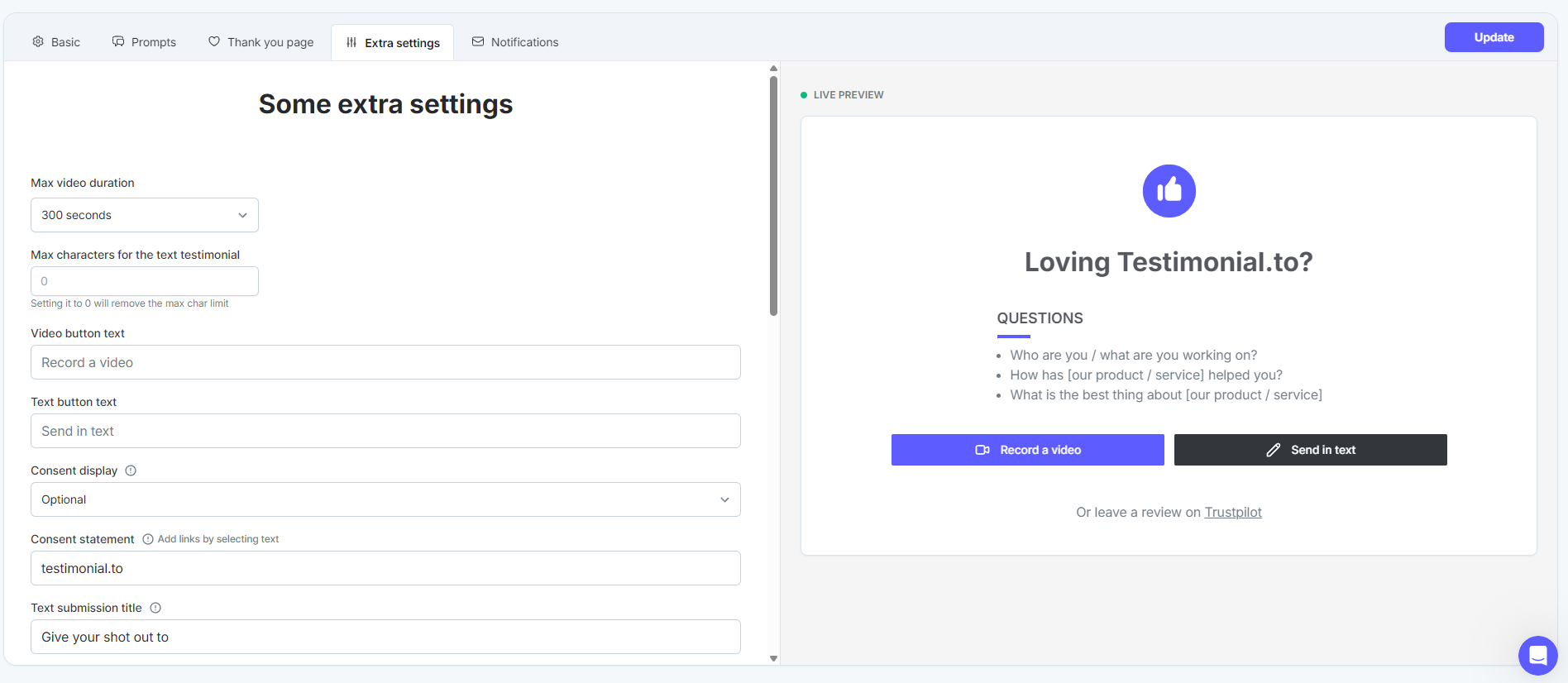
Edit the Text submission title field.
Click Update to save.
See All-in-one: Extra settings for your space.
Need help? Message us in the chat widget.