Import from Google Reviews
Import Google reviews into a Space. Search with the business name and location.
Import Google reviews into a Space from Import. Search with the business name and location, then add the reviews you want.
Import Google reviews
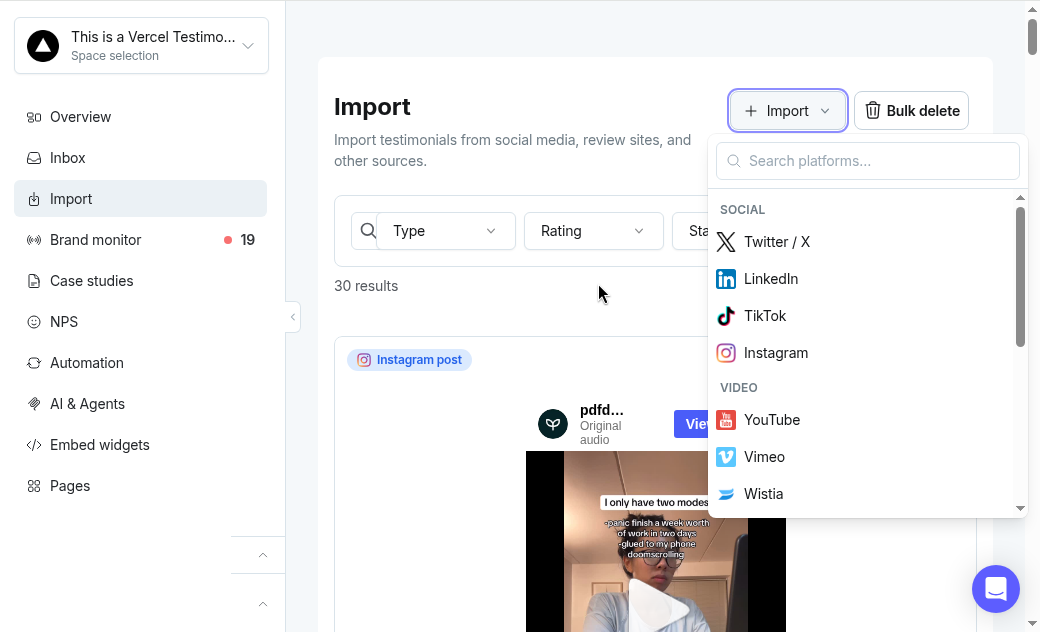
Open the Space and click Import in the left sidebar.
Click + Import, then choose Google Reviews.
Search with the business name plus location, for example Northwind Books in Portland. The more specific, the better.
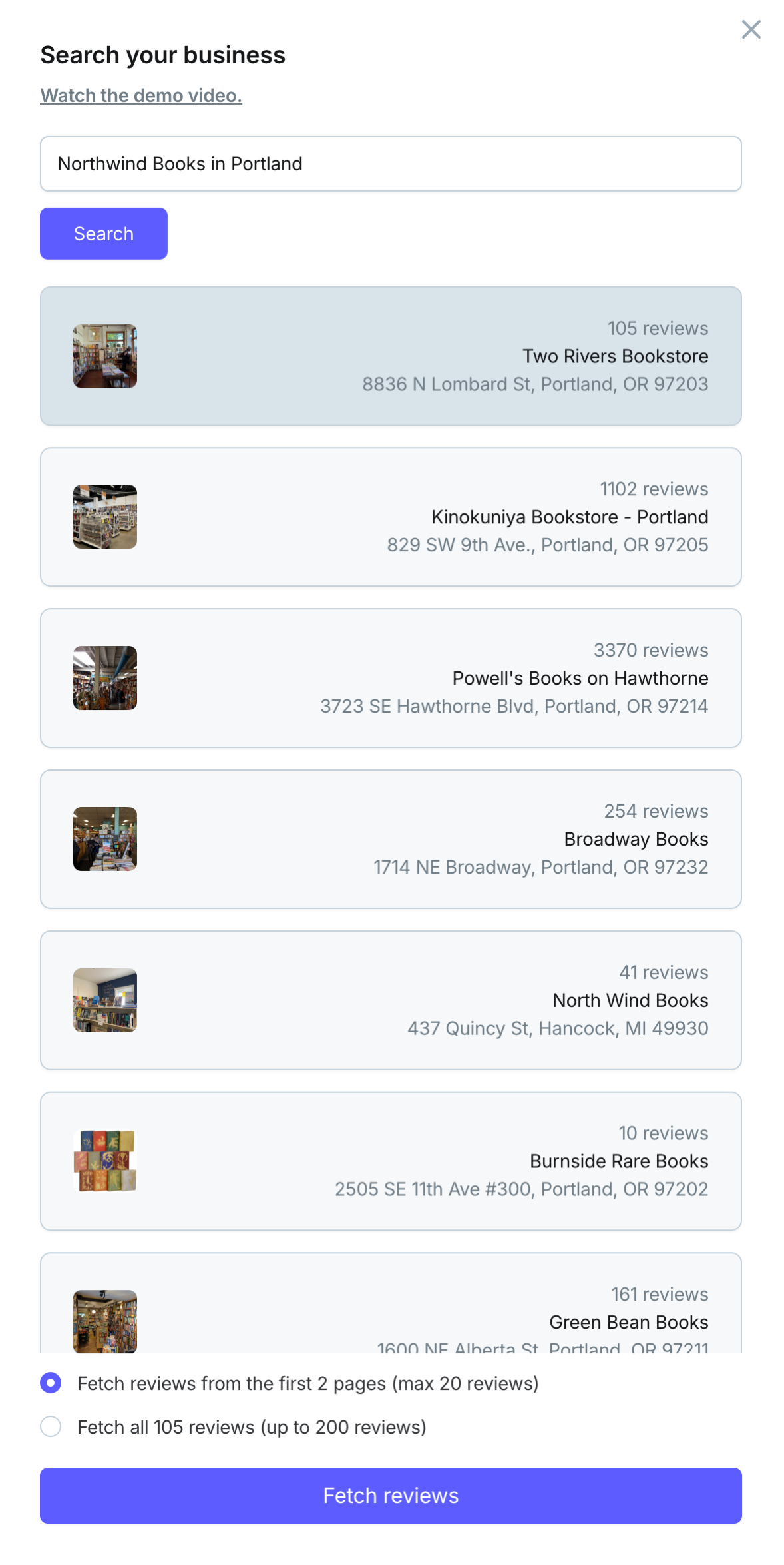
Select the reviews you want and add them.
A longer walkthrough is on YouTube:
Need help? Message us in the chat widget.