How to Add Your Affiliate Link to Your Wall of Love
Paste your Testimonial affiliate link so the Made by Testimonial mark on your Wall of Love uses it.
Paste your Testimonial affiliate link in Extra Settings. The Made by Testimonial mark on your Wall of Love then uses that link.
Get your affiliate link
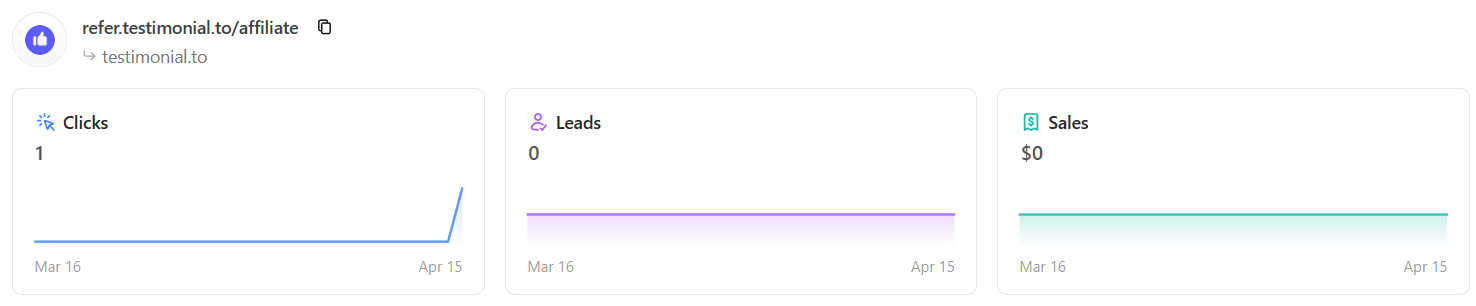
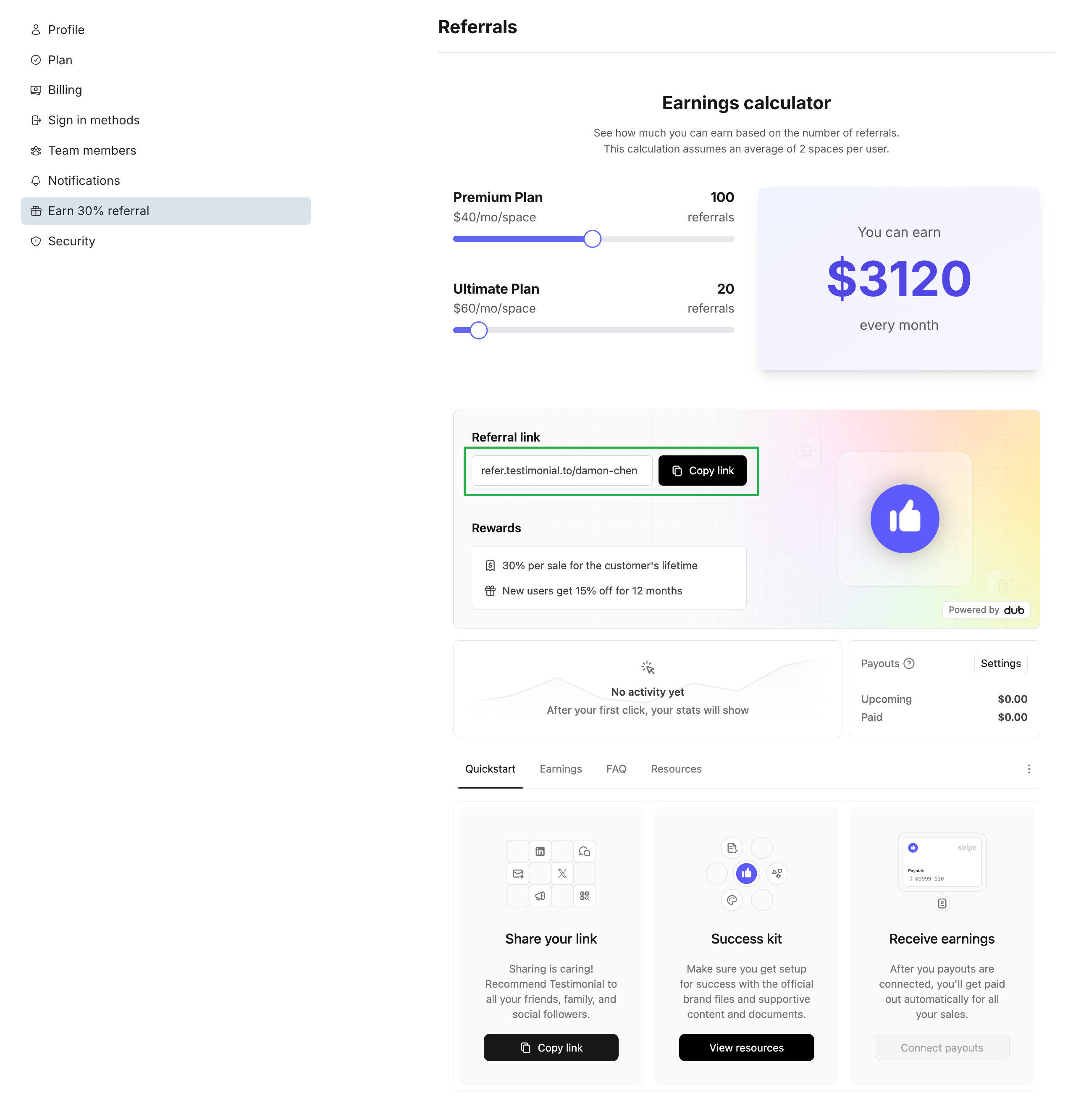
Sign up for the affiliate program if you have not already. Your unique link is in the affiliate dashboard or in Settings → Referrals.
From the affiliate dashboard:
From Settings:
Add the link to your Wall of Love
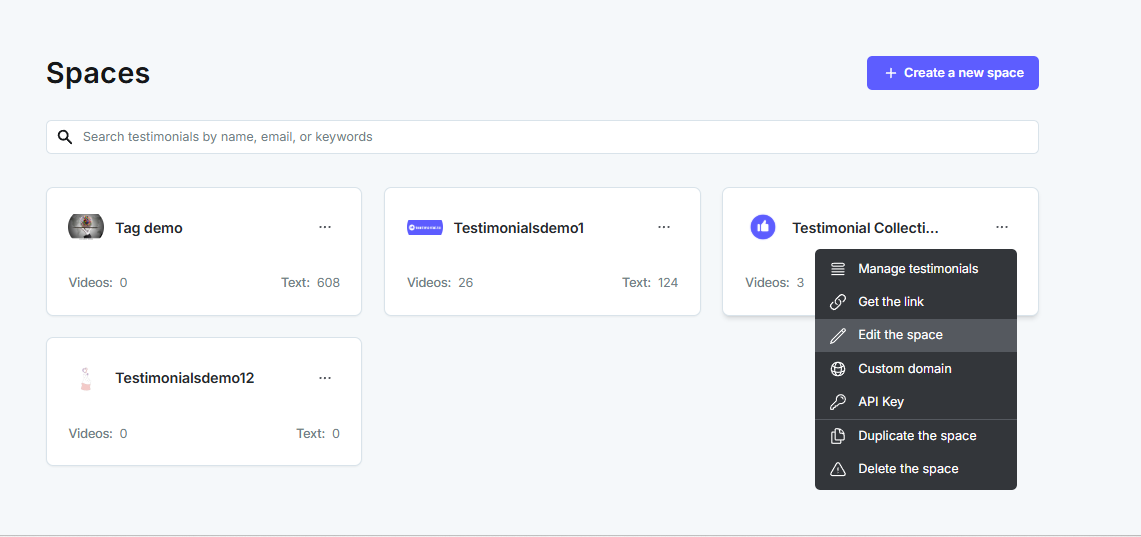
On the dashboard, click the 3-dot icon on the Space card and select Edit the space.
You can also click Edit Space from inside the Space.
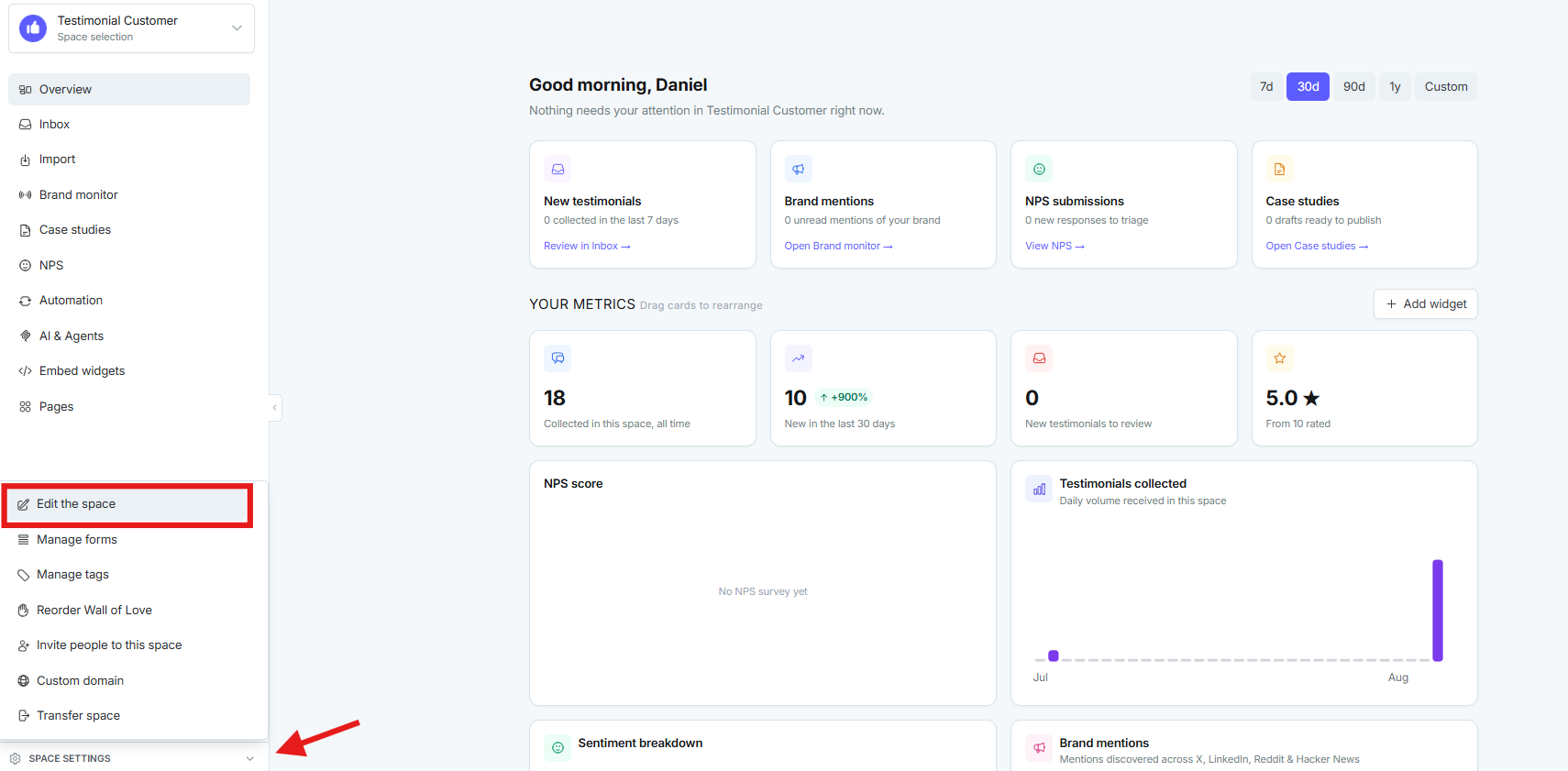
In the space editor, click Extra Settings.
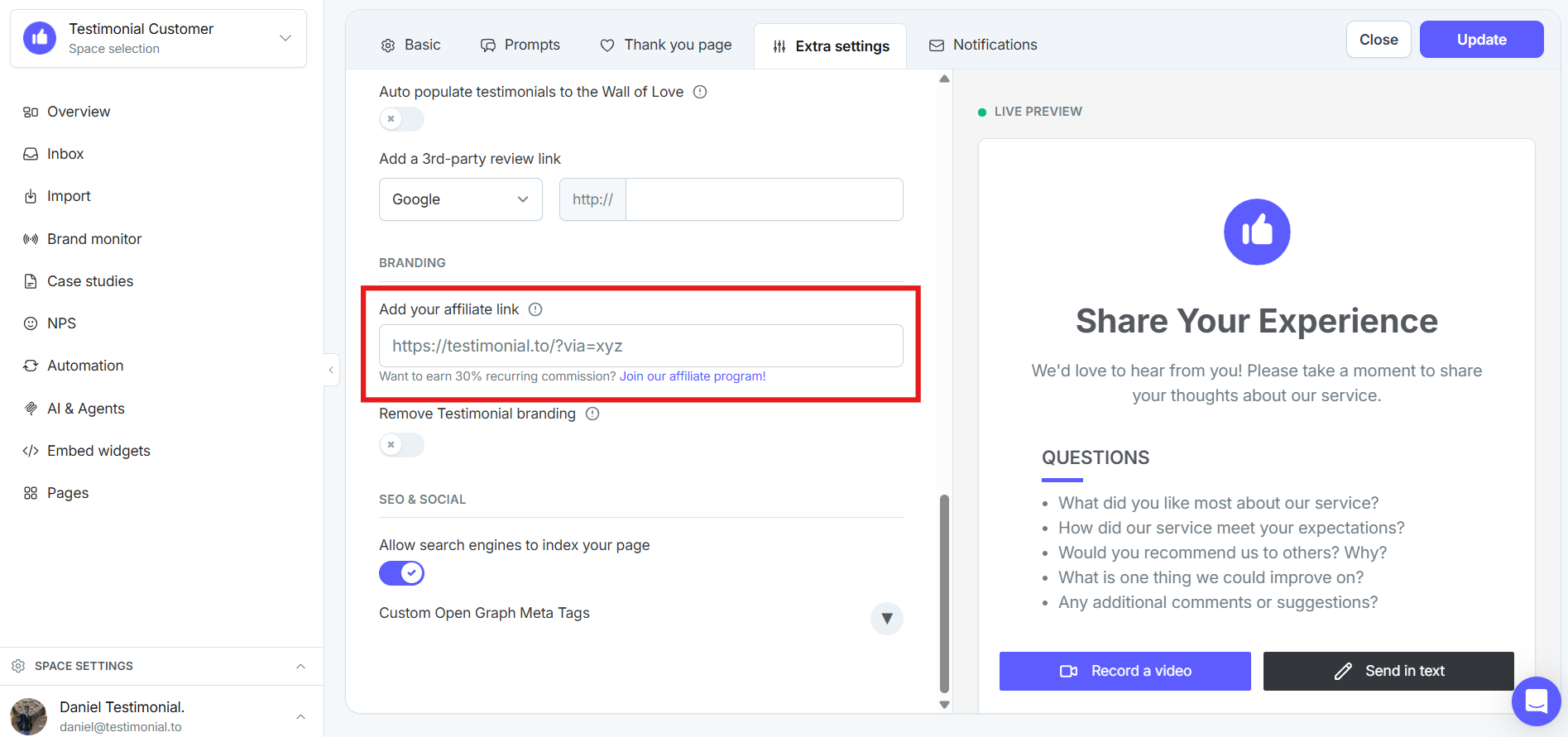
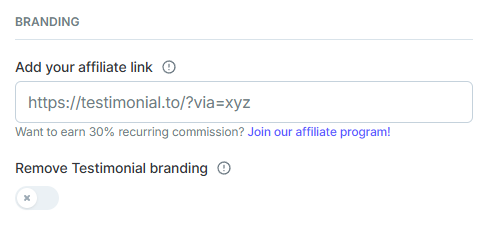
Paste your affiliate link and click Update.
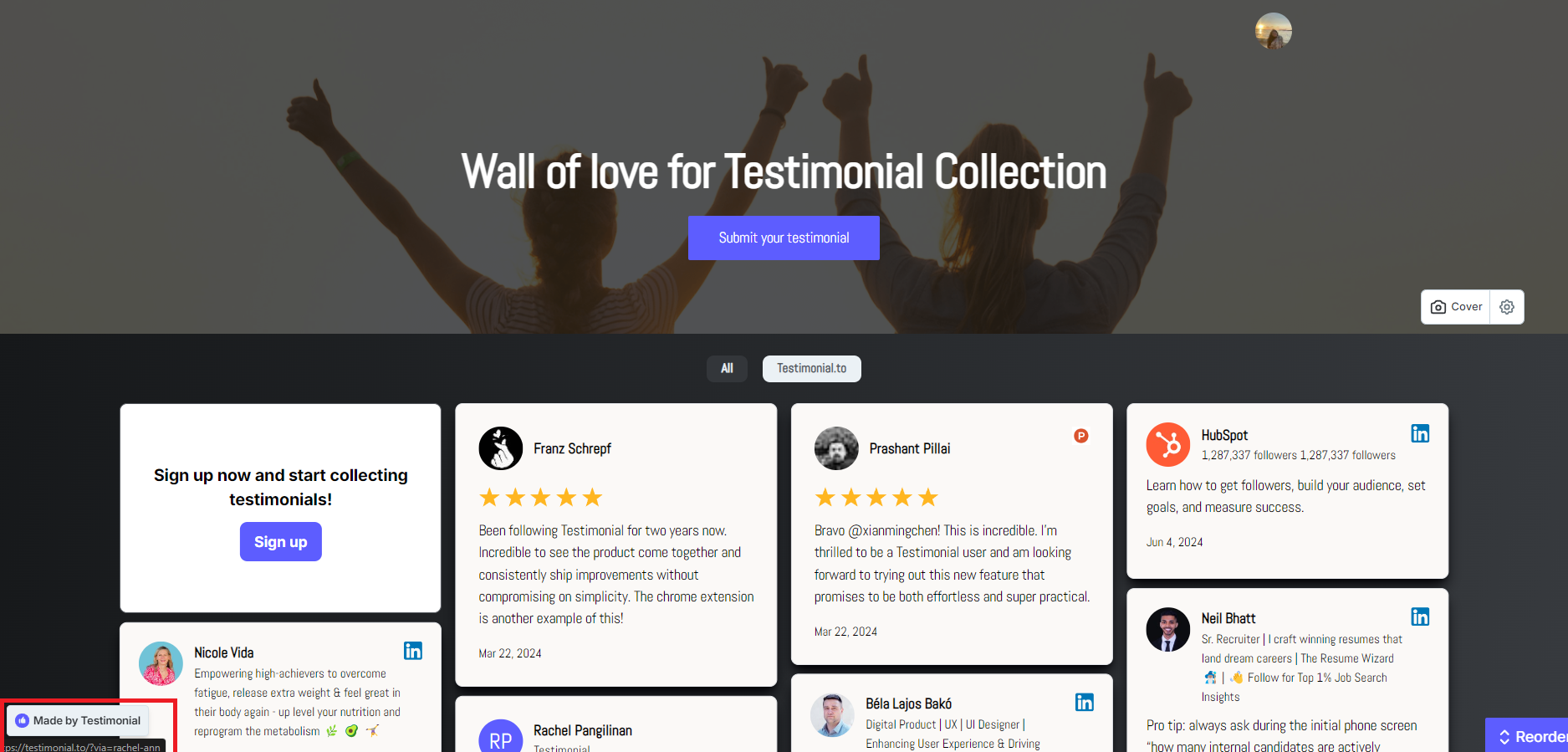
The Made by Testimonial box on your Wall of Love uses the link you pasted.

Earn a 30% recurring commission. Referred customers get 15% off their first year.
See All-in-one: Extra settings for your space and Our affiliate program.
Need help? Message us in the chat widget.